Speech Central Adds K12 Accessibility for iPad, Chromebook
Author: Speech Central
Published: 11 May 2026 - Updated: 21 Aug 2026
Publication Type: Product Release, Update
Table of Contents:
Synopsis - Definition - Overview - FAQs - Insights, Updates - Related Content
Synopsis
This product release outlines accessibility and deployment updates to Speech Central, a text-to-speech reading application now available for K12 schools through Apple School Manager and Managed Google Play. The update introduces automatic accessibility profiles for blind, low-vision, dyslexic, and ADHD students, defaults to offline voices to reduce privacy and compliance concerns in classroom settings, and is distributed free to managed school devices. Apple deployment figures indicate installation on more than 100,000 managed iPads, with adoption patterns pointing to district-level use across portions of the U.S. school system, making the information useful for educators, parents, accessibility coordinators, and students with disabilities who rely on assistive reading tools throughout the school day.*
At a Glance
- 1 - On Android devices, Google online voices remain available but are not set as the default in school mode. This keeps offline reading the standard while still allowing cloud voices where permitted.
- 2 - School deployments need no special access, licenses, or accessibility approvals from the developer. Education features switch on automatically the moment a managed environment is detected.
- 3 - Students who want to keep using the tool on personal devices outside school can do so through an affordable one-time purchase. This avoids ongoing subscription costs while preserving continuity for learners who rely on the app daily.
- 4 - Certain features that add little value in classrooms, such as sleep timer controls, are moved deeper into settings rather than shown on the main screens. Internet-related options are also limited or reorganized to reduce distraction and unnecessary risk in K12 use.
Topic Definition
- Text-to-Speech Accessibility Software
Text-to-speech accessibility software refers to assistive reading applications that convert written content - including web pages, PDFs, EPUB books, Microsoft Office documents, and scanned material processed through optical character recognition - into spoken audio for users who benefit from auditory reading support. These tools are commonly used by people who are blind or have low vision, students and adults with dyslexia or ADHD, individuals with reading-related learning differences, and anyone who prefers listening to long-form content. In educational settings, text-to-speech software is often deployed through managed device platforms such as Apple School Manager or Managed Google Play, and may include features such as offline voices, screen-reader integration, customizable reading pace, and tailored profiles that adjust the interface and defaults to suit specific accessibility needs.
Overview
Speech Central Expands Accessibility and K12 School Support Across iPad and Chromebook Environments
Speech Central, a text-to-speech application designed for long-form reading and accessibility, has introduced a series of school-focused deployment and accessibility improvements during the 2024/25 and 2025/26 academic seasons. The changes are intended to better support K12 environments using managed iPads, Chromebooks, and Android devices while maintaining accessibility for blind, low-vision, dyslexic, and ADHD users.
Originally launched in 2014, Speech Central has gradually expanded across Apple and Android platforms. In recent months, development has increasingly focused on how assistive reading tools operate inside managed educational environments where privacy, safety, deployment simplicity, and accessibility all need to work together.
The application now supports automated deployment through Apple School Manager with MDM solutions as well as Managed Google Play environments commonly used on Chromebooks and Android school devices. Schools do not need to request special access, licenses, or accessibility approvals. Features intended for educational deployments activate automatically when the managed environment is detected. A practical recommendation for Apple deployments is distributing an empty configuration .plist file through MDM systems, allowing the application to recognize school-managed environments and enable its school-specific behavior automatically.
Unlike many educational software rollouts that require separate student registrations or cloud onboarding procedures, Speech Central's school mode is designed to work with minimal setup requirements. The application is also declared as collecting no analytics, crash reporting, or user tracking data.
One of the major changes introduced for schools is a more restrictive default configuration intended to reduce unnecessary risks in K12 environments. Internet-related features that are less relevant in classroom settings are limited or reorganized, while still preserving practical reading workflows already controlled through school-managed systems. For example, importing content through Safari sharing remains supported because browsing permissions are generally regulated at the device-management level by schools themselves.
Other adjustments are smaller but intended to simplify student use and reduce distraction. Certain features that are less relevant in classroom contexts, such as sleep timer controls, are moved deeper into settings rather than appearing prominently in the primary configuration screens.
The application also changes behavior depending on accessibility needs. Speech Central includes separate accessibility profiles for blind and low-vision users, dyslexia, and ADHD. Each profile automatically applies different sets of defaults and interface accommodations intended to reduce the amount of manual configuration required from students or teachers.
For blind and low-vision users, the application automatically detects when Apple VoiceOver is active and enables accommodations optimized for screen-reader interaction. The low-vision profile is activated automatically without requiring separate setup steps from the user.
Dyslexia and ADHD modes focus on different reading behaviors and interaction patterns. Rather than expecting users to individually configure large numbers of settings, the profiles apply tailored defaults designed to better support concentration, pacing, readability, and navigation during extended reading sessions.
Speech Central also defaults to offline voices in school environments. This decision was made to reduce privacy and compliance concerns that may arise when third-party cloud voice services are involved in educational deployments. On Android devices, Google online voices remain available but are not configured as the default option in school mode.
The application supports reading from PDFs, EPUB books, web articles, scanned documents through on-device OCR, and Microsoft Office documents. OCR processing uses platform-native on-device APIs rather than cloud processing services.
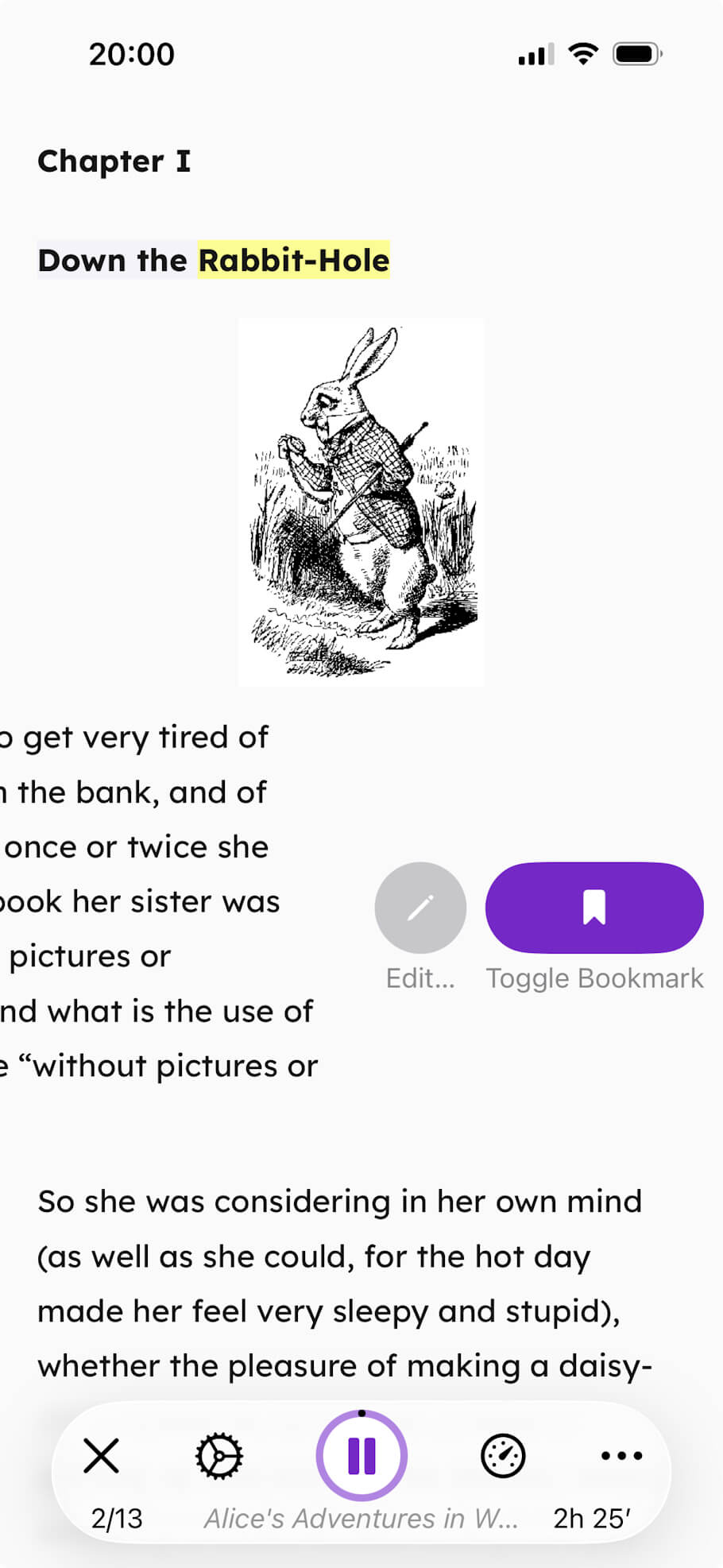
Financial accessibility has also been a significant part of the project's direction. Speech Central is fully free for blind users when VoiceOver is active, with the accessibility detection process handled automatically by the application itself.
The application is also fully free when distributed to managed school devices through Apple School Manager or Managed Google Play deployments. According to Icin, this model was designed to reduce barriers for schools while also allowing students to continue using familiar tools outside educational environments. If students later want to continue using the same reading tools on personal devices, there is still an affordable one-time purchase option available instead of requiring ongoing subscriptions.
Data available through Apple deployment statistics indicates that Speech Central has been deployed on well over 100,000 managed iPads, with usage patterns suggesting broader district-level adoption in some U.S. school systems.
As schools continue expanding the use of managed tablets and Chromebooks in classrooms, accessibility-focused reading tools increasingly need to address not only assistive features themselves, but also deployment simplicity, student privacy, offline operation, and long-term continuity for students who depend on those tools daily.
More information about Speech Central is available at: https://speechcentral.net
Frequently Asked Questions
NOTE: Researched FAQs by Disabled World (DW)
What devices and operating systems does Speech Central run on
Speech Central works across Apple and Android platforms, including managed iPads, Chromebooks and Android school devices, so it can be deployed on the mixed fleets many districts now use.
Is Speech Central free for everyone or only for certain users
It is fully free for blind users when VoiceOver is active and free on managed school devices deployed through Apple School Manager or Managed Google Play, while personal use outside school is available through an affordable one-time purchase.
How does a school install Speech Central on managed devices
Administrators distribute it through their mobile device management system, and for Apple deployments a common approach is pushing an empty configuration plist file so the app recognizes the managed environment and enables its school mode automatically.
Does Speech Central work without an internet connection
Yes, it defaults to offline voices in school environments and processes optical character recognition on the device, so core reading can continue without a live internet connection.
What file types and content can Speech Central read aloud
It reads PDFs, EPUB books, web articles, Microsoft Office documents and scanned material handled through on-device optical character recognition, covering most everyday classroom reading formats.
How does Speech Central protect student privacy
The app is declared as collecting no analytics, crash reporting or user tracking data, keeps optical character recognition on the device, and favors offline voices to limit reliance on third-party cloud services.
Do teachers need to configure settings for each student
No, the app applies automatic accessibility profiles for blind, low-vision, dyslexic and ADHD learners, adjusting defaults and interface options so students and teachers avoid extensive manual setup.
Can students keep their reading tools and content when they leave the school
Yes, students can continue using the same familiar tool on personal devices through a one-time purchase, which supports long-term continuity for learners who depend on it daily.
Insights, Analysis, and Developments
Editorial Note: As managed tablets and Chromebooks become standard fixtures in K12 classrooms, assistive reading software has to do more than read text aloud - it has to deploy cleanly across district fleets, protect student privacy, and adjust itself to the specific needs of each learner without requiring teachers to dig through settings. Speech Central's approach of detecting VoiceOver, defaulting to on-device voices, and activating accessibility profiles automatically reflects a practical understanding of how these tools actually get used in schools, and the no-cost distribution through Apple School Manager and Managed Google Play removes a familiar barrier for districts trying to serve students with print disabilities at scale.*
* Editorial additions by Ian C. Langtree.